by Gabe Zevallos | Oct 11, 2026 | Tech Guides
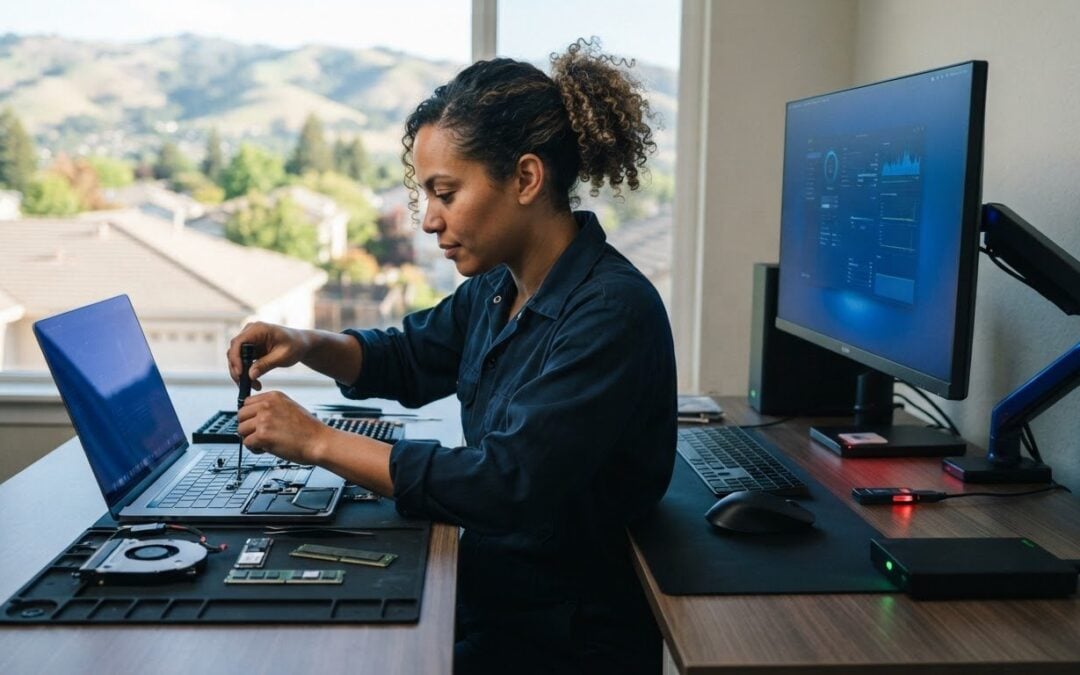
Keeping a computer healthy usually takes a few steady habits, not a long list of complicated fixes. If you’re wondering how to maintain your computer’s health, focus on three essentials: keep it updated, protect your files, and pay attention to changes in...
by Gabe Zevallos | Oct 10, 2026 | Tech Guides
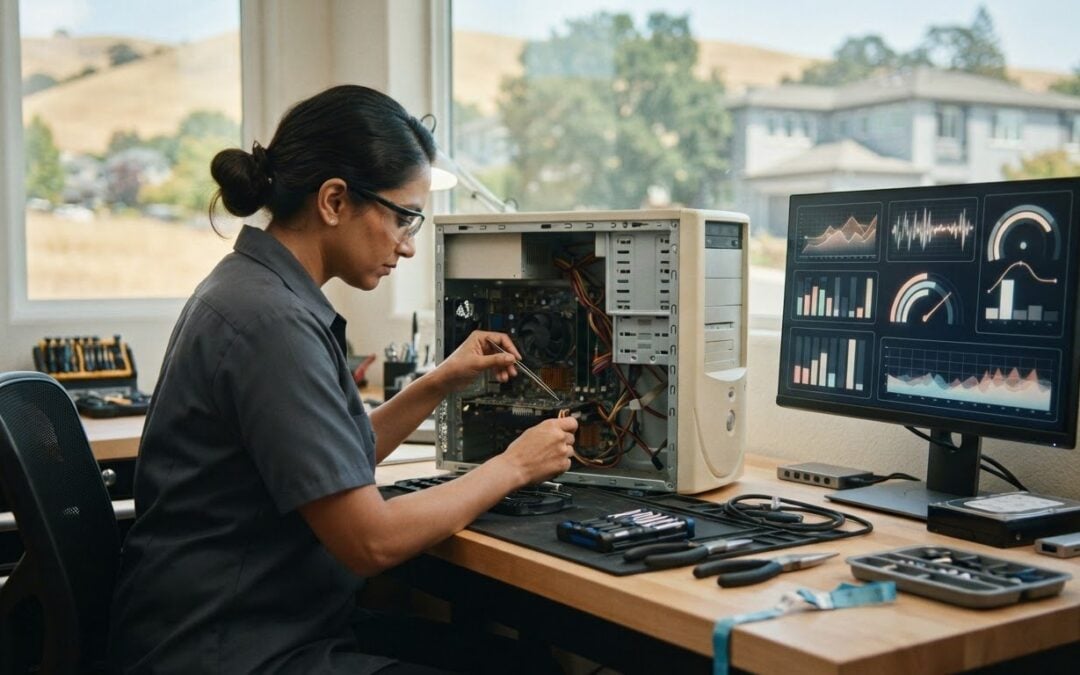
Before trying to speed up an old PC, find out what’s slowing it down. Long startups and sluggish everyday tasks are frustrating, but deleting files or changing settings at random can create new problems. These tips for speeding up old PC performance start with safe...
by Gabe Zevallos | Oct 9, 2026 | Tech Guides
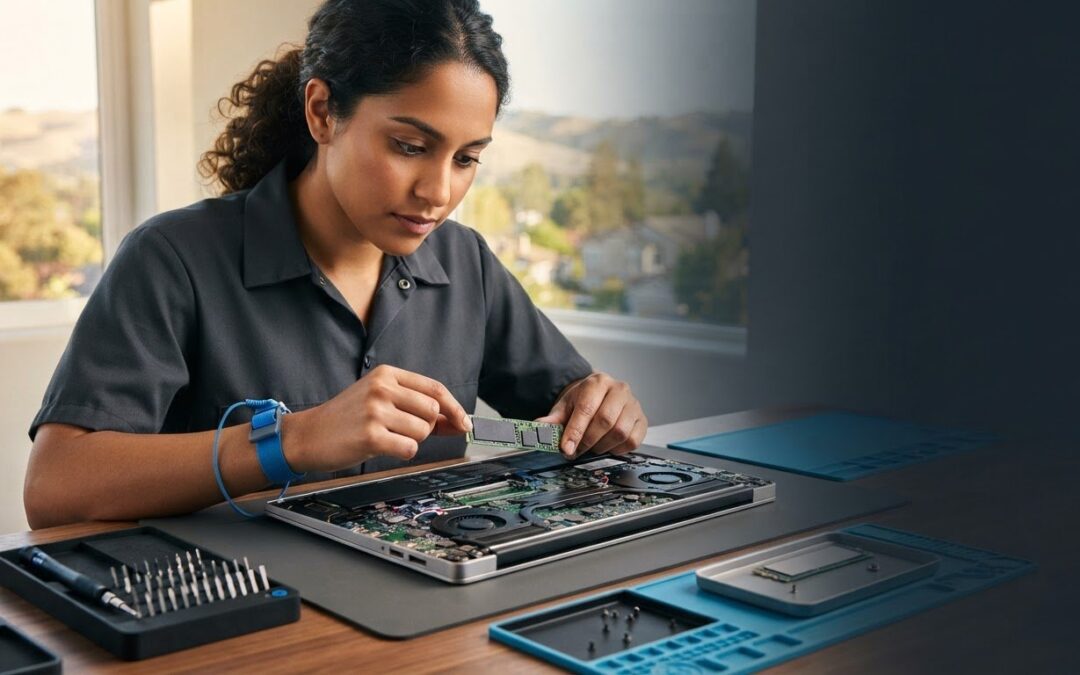
What if the biggest risk in an SSD upgrade isn’t installing the drive, but buying one your laptop can’t use? If you’re asking, “can I upgrade my own laptop to SSD,” the answer depends on your exact model. Some laptops have replaceable storage, while others use storage...
by Gabe Zevallos | Oct 8, 2026 | Tech Guides
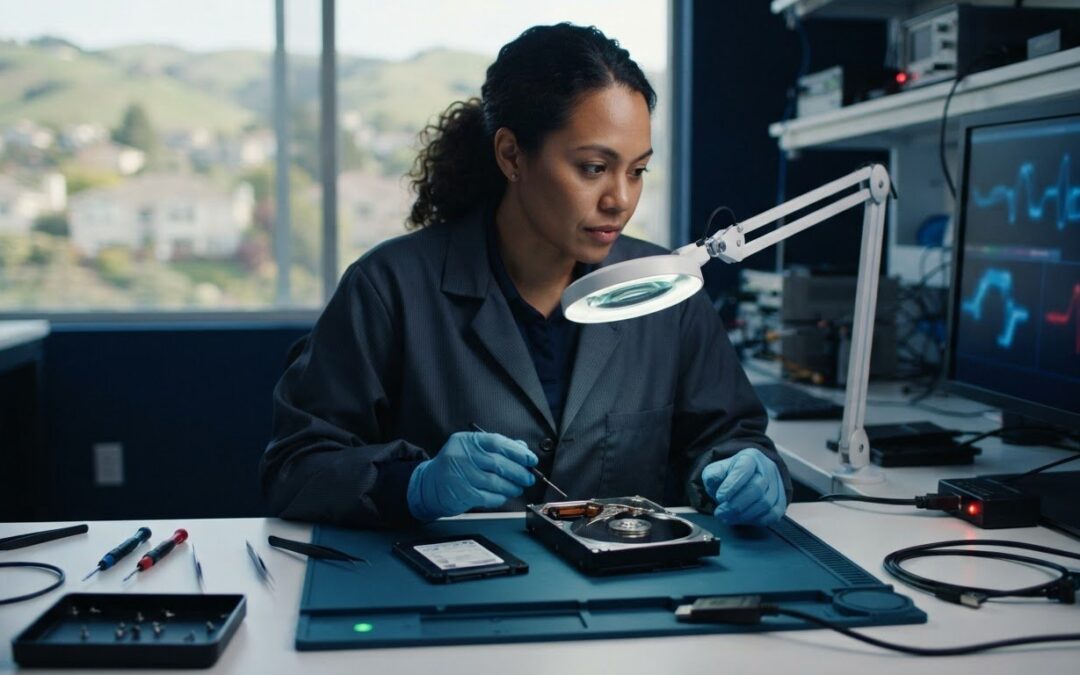
The safest first move when a drive starts failing may be to stop trying to fix it. If important files have disappeared, your computer is freezing, or the drive is making unusual noises, repeated scans and restarts could put remaining data at greater risk. Careful data...
by Gabe Zevallos | Oct 7, 2026 | Tech Guides
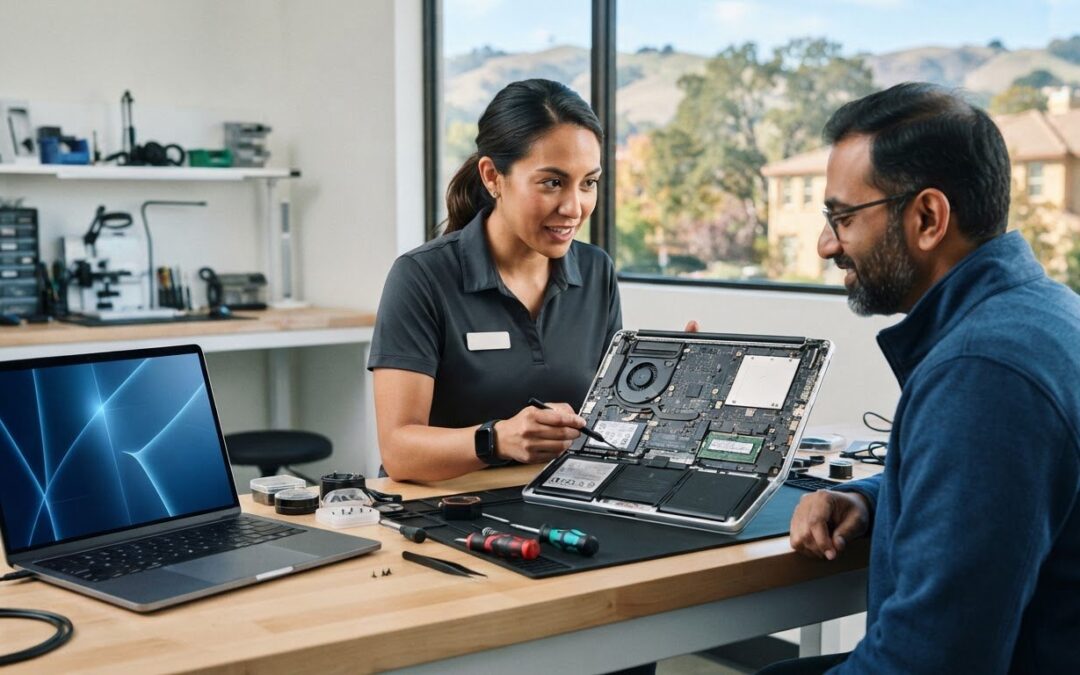
What if the right repair path matters more than finding the closest shop? When a computer problem interrupts work, study, or everyday tasks, it can be hard to tell whether the cause is hardware, software, or a data issue. Local computer help Walnut Creek residents can...
