by Gabe Zevallos | Nov 10, 2026 | Tech Guides
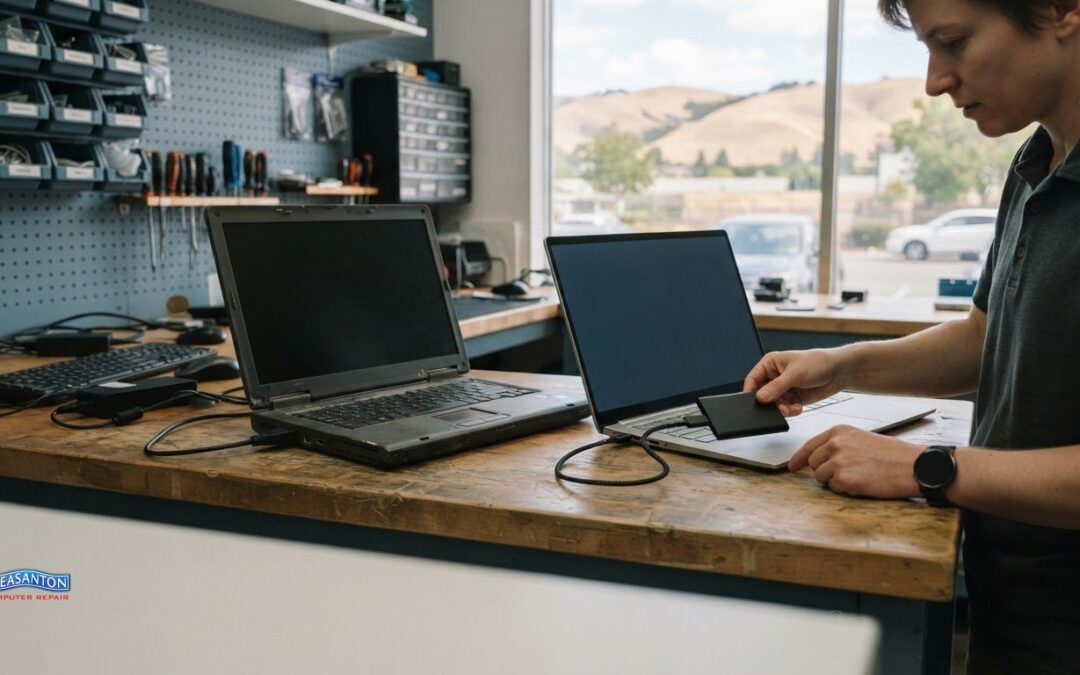
A new Windows PC won’t automatically become a full copy of your old one. To migrate Windows to a new computer, you can transfer files and personalization settings, but installed apps and saved sign-in details need separate setup. OneDrive files aren’t included in the...
by Gabe Zevallos | Nov 9, 2026 | Tech Guides
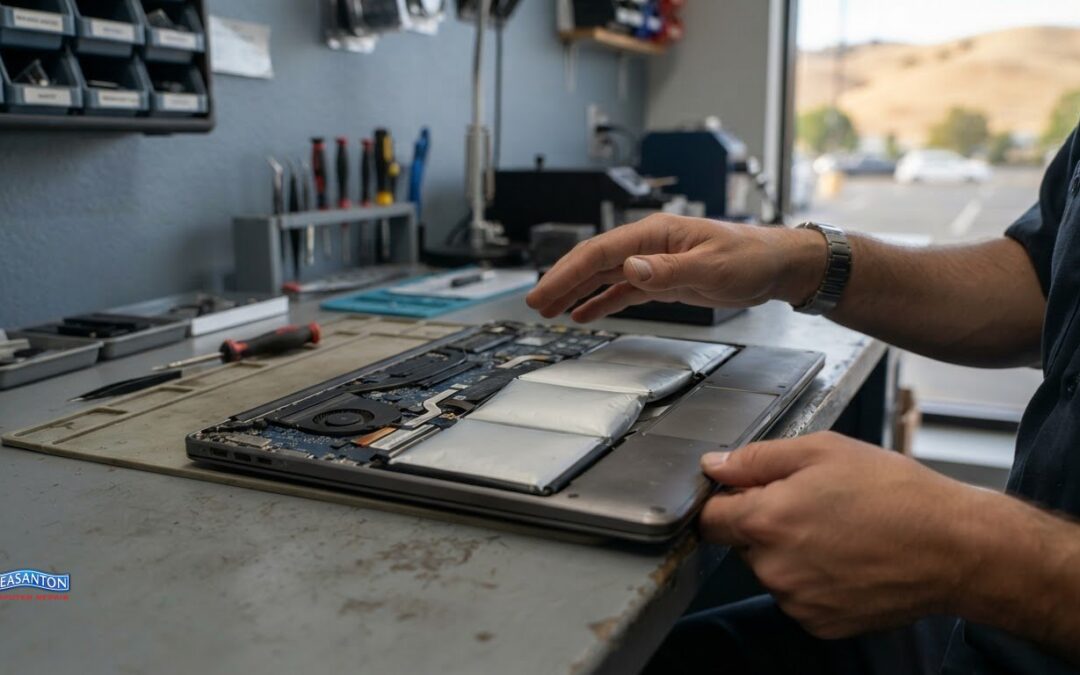
Below 80% battery health is a useful point to consider replacement, especially if your laptop’s runtime has dropped or it shuts down unexpectedly. On a Mac, battery health below 80% maximum capacity may also mean replacement could improve performance.It’s frustrating...
by Gabe Zevallos | Nov 8, 2026 | Tech Guides
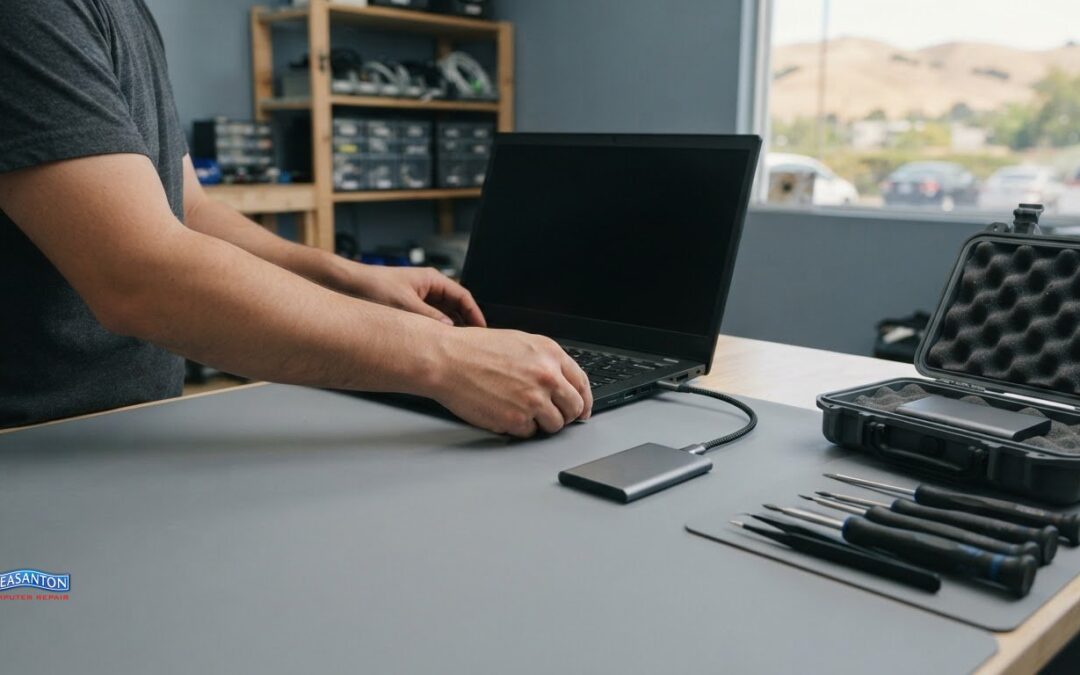
Removing malware is only the first step. Lasting protection means closing the gaps it may have left behind. To learn how to protect your computer after virus removal, keep your operating system and security software updated, browse carefully, back up important files,...
by Gabe Zevallos | Nov 7, 2026 | Tech Guides
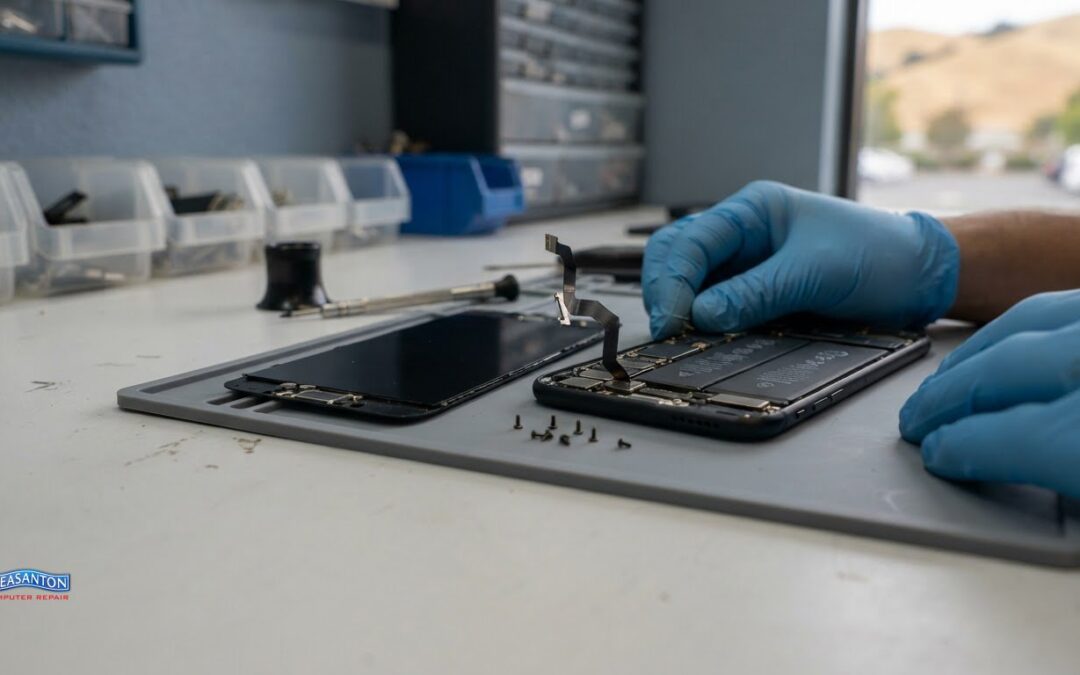
The cheapest-looking screen repair can become the costliest if one slip damages a cable, battery, or display. The risks of DIY iPhone screen replacement include more than a failed repair: extra parts or professional recovery may add to the bill, and a poorly fitted...
by Gabe Zevallos | Nov 6, 2026 | Tech Guides
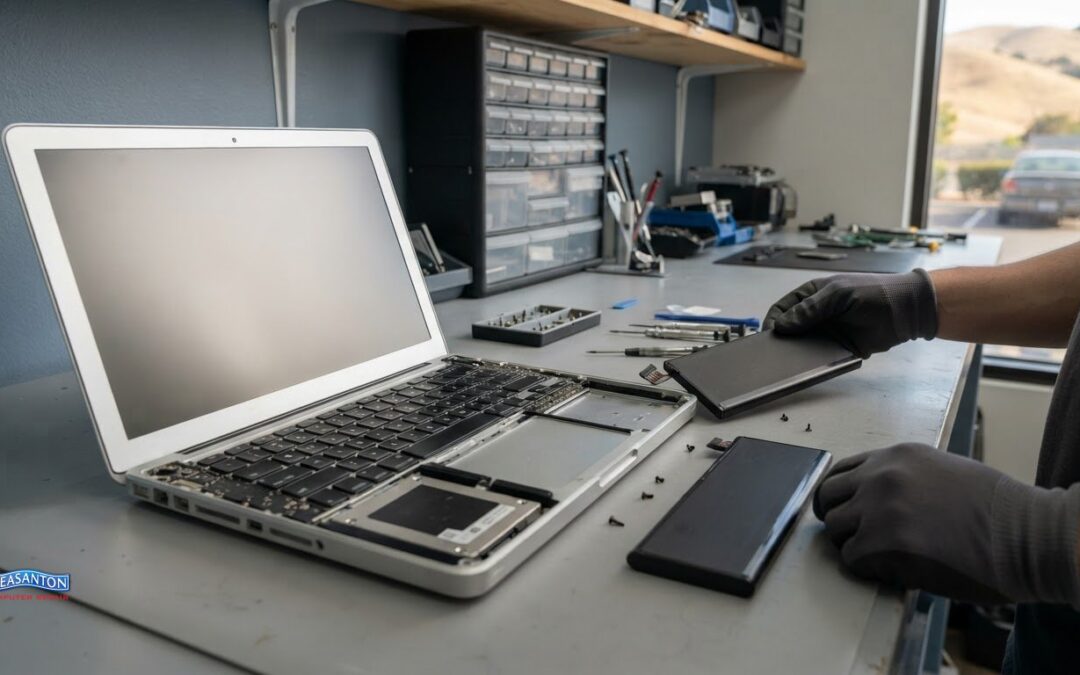
Fixing an old MacBook can be worthwhile when one repair restores a computer that still meets your needs. Replacement may make more sense if the repair is a large share of the MacBook’s current value, another significant fault appears within twelve months, or the model...
